Mini displayport cable adapters


cindy xin
Contact person
Basic Information
| Place of Origin | Jiangsu China (Mainland) |
|---|---|
| Type | Other |
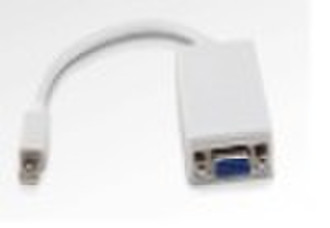
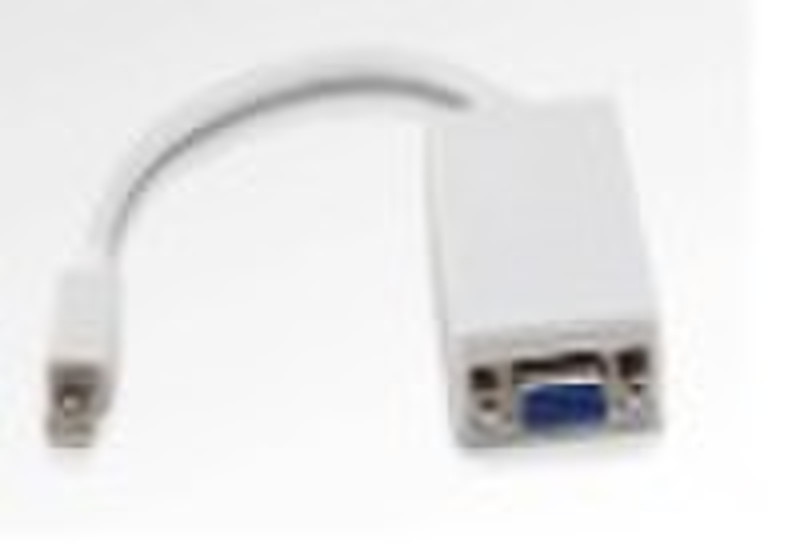
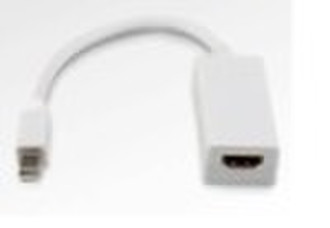
1,Use the Mini DisplayPort to HDMI Adapter to connect an advanced digital monitor, such as the 20- or 23-inch Apple Cinema Display, that includes a HDMI connector. Review the documentation or check with the manufacturer of your monitor to make sure you're choosing the right adapter. Compatible only with Mac computers with Mini DisplayPort. UL20276(7/0.8TA*1PR+EAM)5C+7/0.08TA*5C+AEB 85% Aluminum Braid OD: 4.8MM 2,Use the Mini DisplayPort to VGA Adapter to connect your Mac to a standard analog monitor, projector, or LCD that uses a VGA connector or cable. Review the documentation or check with the manufacturer of your monitor to make sure you're choosing the right adapter. Compatible only with Mac computers with Mini DisplayPort Wire: UL20276(7/0.8TA*1PR+EAM)5C+7/0.08TA*5C+AEB 85% Aluminum Braid OD: 4.8MM 3,Use the Mini DisplayPort to DVI Adapter to connect an advanced digital monitor, such as the 20- or 23-inch Apple Cinema Display, that includes a DVI connector. Review the documentation or check with the manufacturer of your monitor to make sure you're choosing the right adapter. Compatible only with Mac computers with Mini DisplayPort. UL20276(7/0.8TA*1PR+EAM)5C+7/0.08TA*5C+AEB 85% Aluminum Braid OD: 4.8MM

-
Payment Methods
We accept:




